On brand, every time
Your agent reads your brand kits — tone, audience, colors, instructions — and writes prompts that stay true to your brand. Reuse your product photos and characters as references.
Create brand visuals
Havincy MCP & API
Connect Havincy to ChatGPT, Claude or Cursor to generate images, videos, voice-overs, music and viral effects — on brand, with your credits — without leaving the conversation.
In Settings → Apps & Connectors, turn on Developer mode, click Create and paste this URL with OAuth authentication.
https://havincy.com/mcp
Sign in to Havincy, allow access, then pick Havincy from the tools menu and just ask.
“Use Havincy to create 4 product shots of my sneaker on a marble table, 1:1.”
In Settings → Connectors, click Add custom connector, name it Havincy and paste this URL.
https://havincy.com/mcp
Click Connect, sign in to Havincy, choose your workspace and permissions, then ask Claude.
“Use Havincy to create 4 product shots of my sneaker on a marble table, 1:1.”
Open Cursor Settings → MCP, add a server and paste this configuration.
{
  "mcpServers": {
    "havincy": {
      "url": "https://havincy.com/mcp"
    }
  }
}
Cursor opens the Havincy sign-in on first use. Ask for visuals for your landing page, game or app.
“Use Havincy to create 4 product shots of my sneaker on a marble table, 1:1.”
In your terminal, add Havincy as a remote MCP server.
claude mcp add --transport http havincy https://havincy.com/mcp
Type /mcp in Claude Code, select Havincy and sign in. Assets come back straight into your project.
“Use Havincy to create 4 product shots of my sneaker on a marble table, 1:1.”
Create a key in Profile → API & MCP, then send it in the Authorization header.
curl https://havincy.com/api/v1/account \
  -H "Authorization: Bearer $HAVINCY_API_KEY"
Scripts, n8n, Make, your backend: the same operations as the MCP tools, documented with OpenAPI.
Get an API keyYour agent reads your brand kits — tone, audience, colors, instructions — and writes prompts that stay true to your brand. Reuse your product photos and characters as references.
Create brand visualsDescribe the result, not the settings. The agent lists the models, picks a compatible one or the one you name, checks your credits and waits until the video is ready.
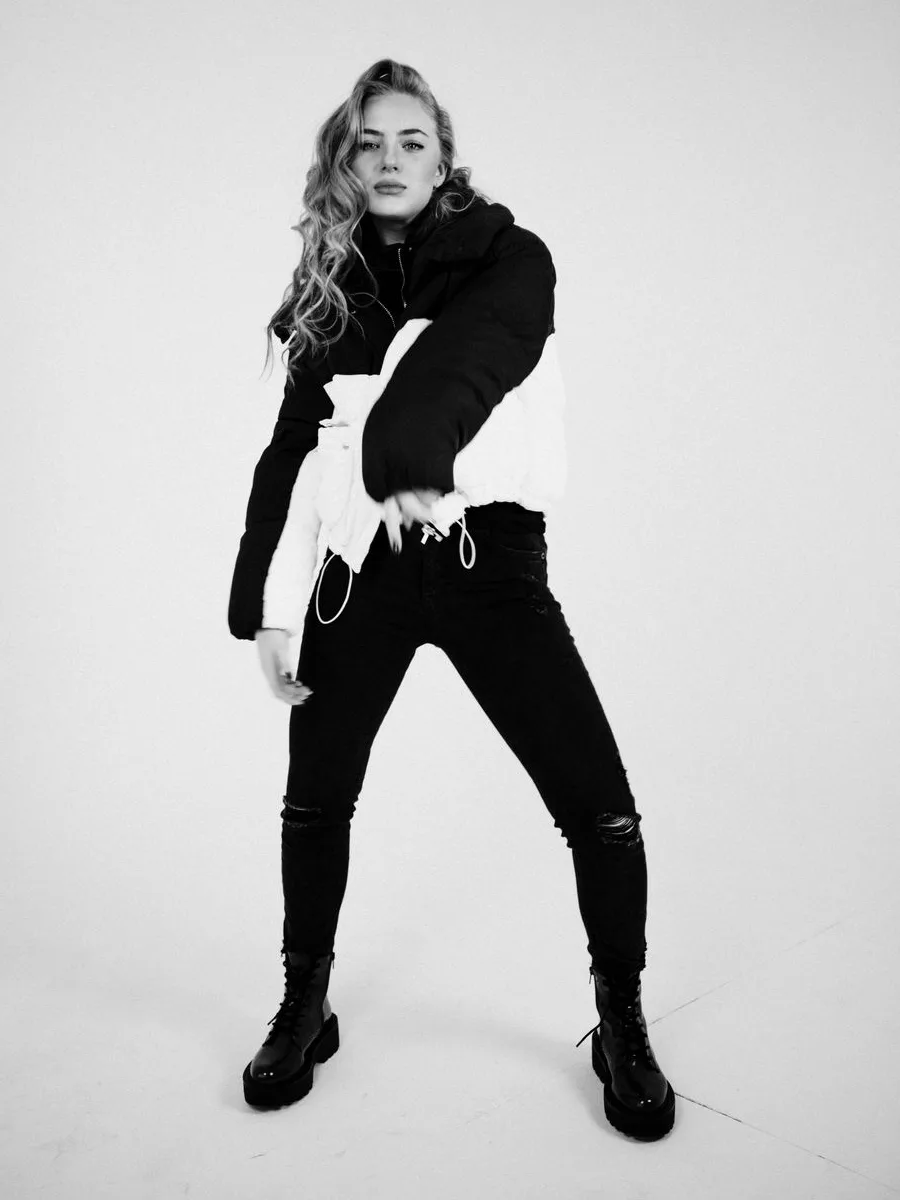
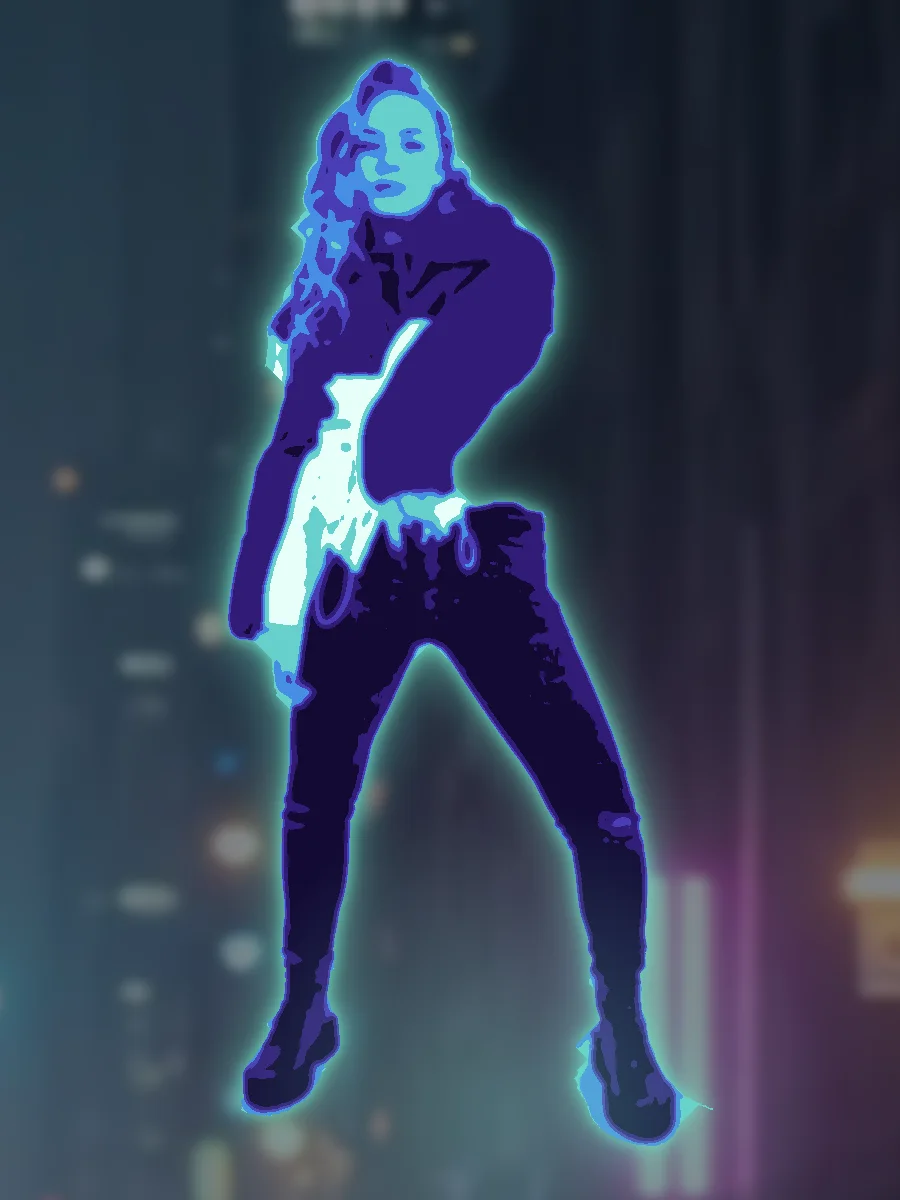
Create a campaign videoMelt, inflate, giant in the city, clones… Send a photo, choose an Encore effect, and get a 9:16 video ready to post with its share link.
Try an Encore effectWrite the script with your agent, then generate the voice-over in the right language and voice — or a soundtrack — without opening another tool.
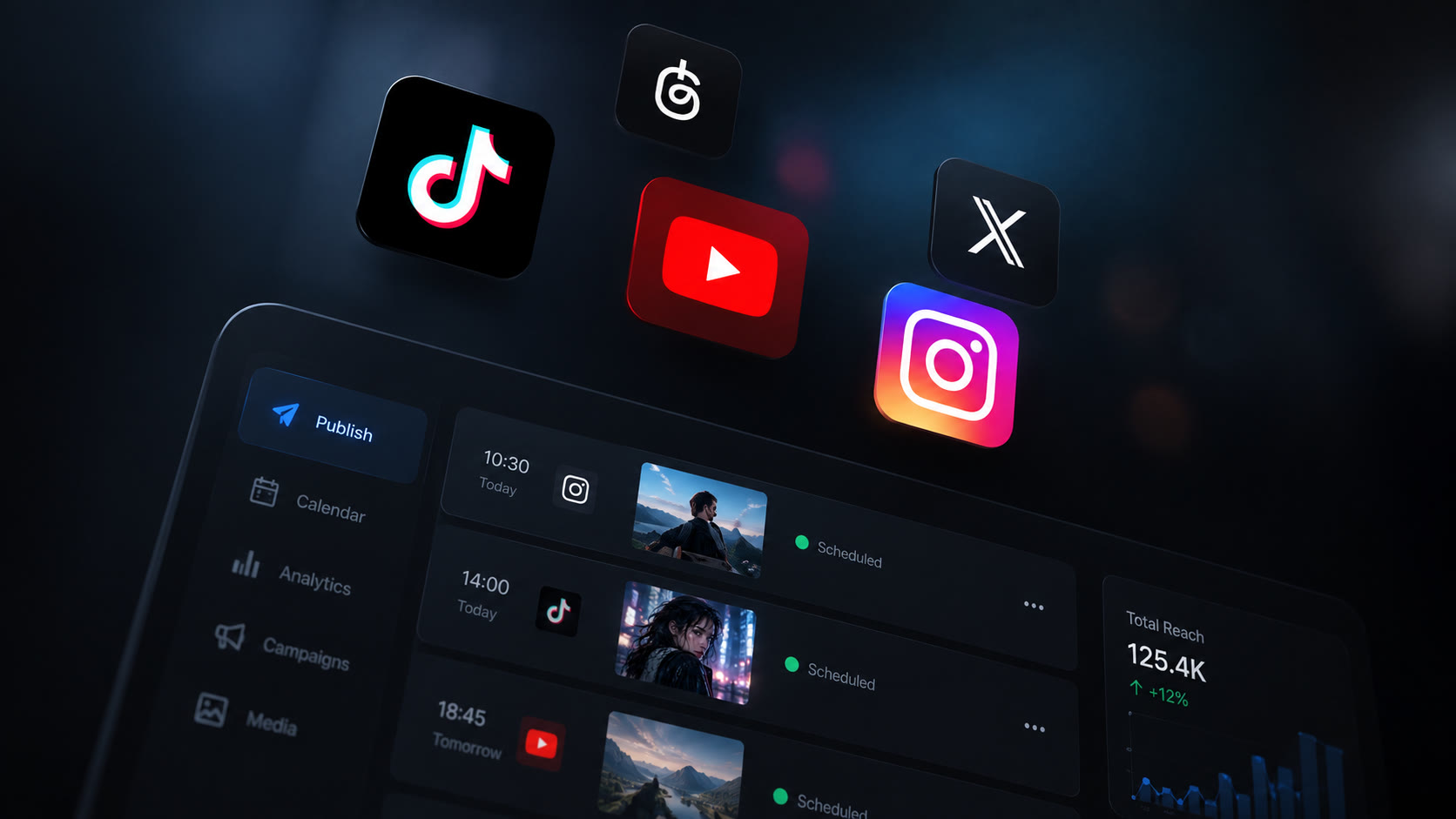
Create a voice-overOnce the video is ready, ask your agent to post it or schedule it on TikTok, Instagram Reels or YouTube Shorts through Havincy Diffusion.
Publish from the chatGive your agent access to the Havincy catalog: video, image, voice, music and 3D models from the leading labs.
 Kling 3.0 Pro
 Seedance 2.5
 FLUX 3 Vidéo
 MiniMax H3
 Wan 3.0
 PixVerse V6
 Luma Ray 3.2
 Nano Banana 2
FLUX Schnell
Seedream 5.0 Pro
Nano Banana 2
FLUX Schnell
Seedream 5.0 Pro
 Ideogram V3
 Qwen Image
 GPT Image 2.5 Flare
 Grok Imagine Image 2.0
 ElevenLabs v4
MiniMax Speech 2.8 HD
Qwen 3 TTS 1.7B
Grok TTS
ElevenLabs v4
MiniMax Speech 2.8 HD
Qwen 3 TTS 1.7B
Grok TTS
 Stable Audio
 Meshy 6
 Hunyuan 3D 3.1 Pro
Paste one URL and sign in with your Havincy account in the browser. You choose the workspace and permissions.
Brand kits, characters and your media library are available to the agent, so results stay consistent.
Kling, Veo, Seedance, GPT Image, Nano Banana, ElevenLabs and more, without managing a provider account for each.
Same prices as the app. The agent checks your balance, and you can disconnect an app or revoke a key at any time.
Generate, refine and post to your social networks from the same conversation — publishing is a separate permission.
Every Encore effect is available as a tool: one photo in, one vertical video out.
Ask your agent for an effect by name: it sends the photo and returns the video.
For developers
Every MCP tool is also an HTTP endpoint. Integrate Havincy generation into your SaaS, your e-commerce back office or your no-code workflows.
curl -X POST https://havincy.com/api/v1/generations \
  -H "Authorization: Bearer $HAVINCY_API_KEY" \
  -H "Content-Type: application/json" \
  -d '{"modality":"image","model_id":"fal-nano-banana-2","prompt":"A cat astronaut, watercolor","wait_seconds":40}'
Through MCP, the open standard used by ChatGPT, Claude, Cursor and Claude Code. You add the Havincy server URL as a connector, sign in, and your agent can call Havincy's tools in natural language.
ChatGPT, Claude (web and desktop), Claude Code, Cursor and any client that supports remote MCP servers over HTTP. Clients without OAuth can use an API key.
No for ChatGPT, Claude, Cursor and Claude Code: you sign in with your Havincy account in the browser. API keys are for the REST API and clients that cannot sign in.
Generations use your workspace credits at the same price as in the app. Your agent can check your balance, and every call appears in your usage history.
Images (up to 4 at once), videos from text or an image, voice-overs, music, 3D models and Encore effect videos. Available formats, durations and resolutions depend on the chosen model.
Yes. Name the model you want, or ask your agent to compare the options for your brief and budget.
Yes, if you grant the Publish permission and your plan includes Diffusion. The agent can post now or schedule on TikTok, Instagram Reels or YouTube Shorts.
Each connection is limited to the workspace and permissions you choose. You can see connected apps, disconnect them or revoke keys at any time in Profile → API & MCP.
Bring Havincy into ChatGPT, Claude and Cursor to generate, refine and publish your content from the conversation.