
Echo · motion control Beta
Echo: make your character replay any movement
Upload a dance, gesture or acting video: Echo transfers the motion onto your character, frame by frame. Or keep your own video and change everything else.
- Two modes: Mimic and Swap
- Reference videos from 3 to 30 seconds
- Works with your characters and worlds
 Havincy · Echo
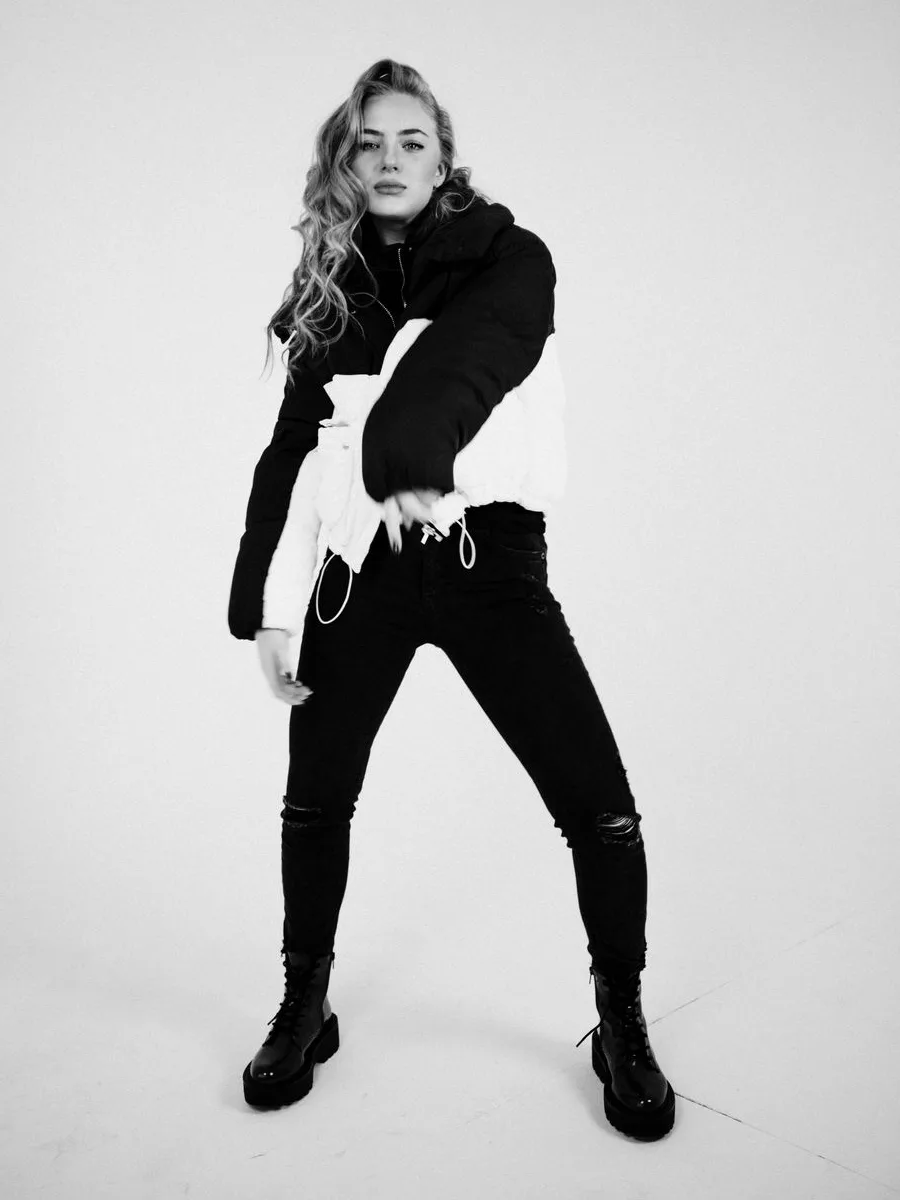 Reference video
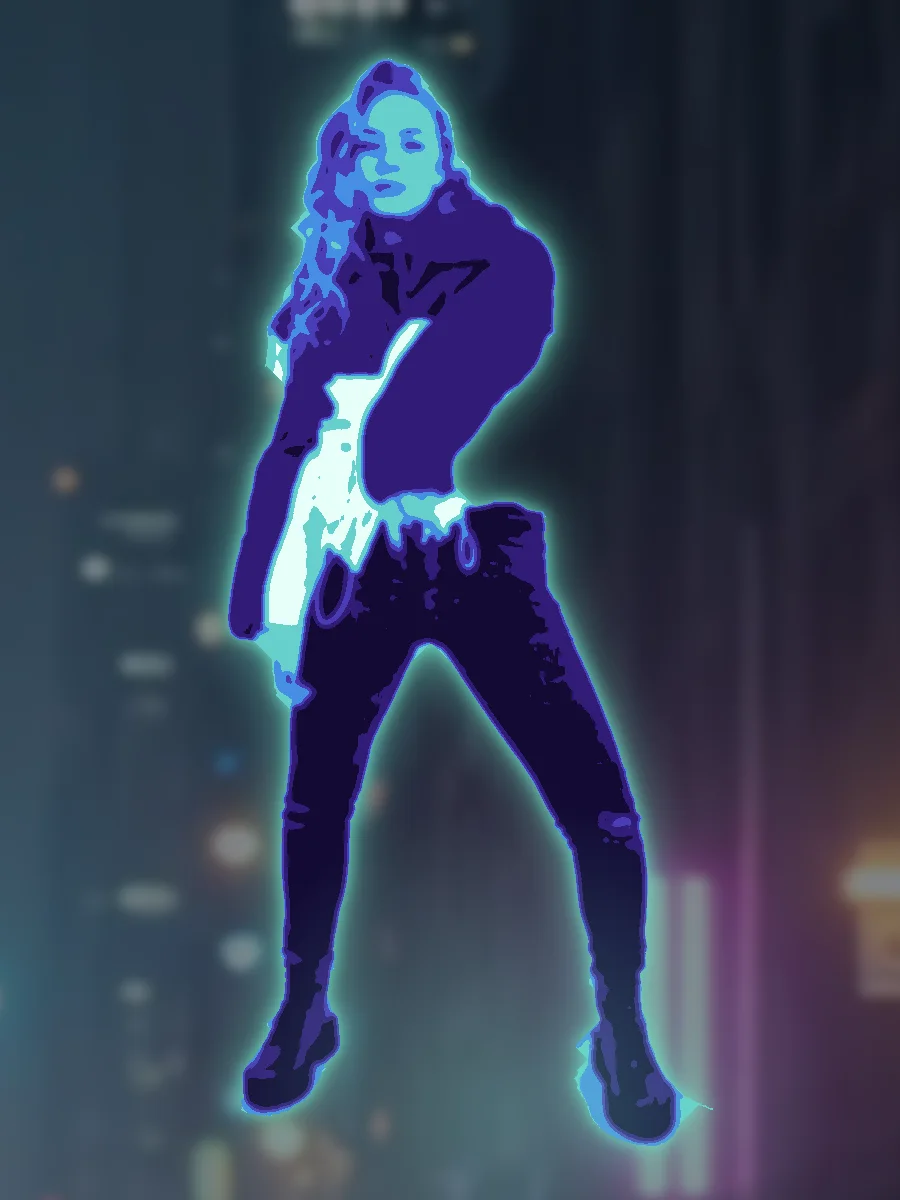 Your character
Same movement, new character.
How it works
One movement, a thousand characters
-
01
Upload a movement
A 3 to 30 s video: dance, gesture, walk, acting. One clearly visible subject, ideally full body.
-
02
Choose who replays it
A Havincy character or a photo, with an optional world as the setting.
-
03
Generate
The model reproduces the motion frame by frame. The video lands in your media library.
What you can do
Two ways to reinvent a video
-
Echo Mimic
Your character picks up the choreography, gestures and rhythm of the reference video.
-
Echo Swap
Film yourself as usual, then replace the car, the outfit or the scenery. You, your gestures and the camera stay the same.
-
Reference images
Show what should appear: cite your images as @Image1, @Image2 in the instruction.
-
Several models to choose from
Kling Motion Control, Kling O3 and other models, depending on length, quality and budget.
Who it’s for
For videos that move
-
Trends and dances
Jump on the latest trend with your character or mascot.
-
Product demos
Keep your footage and change the product, the color or the setting.
-
Clips and storytelling
Give your character precise acting, taken from a real performance.
Frequently asked questions
What is AI motion control?
It’s transferring the motion of a reference video onto another subject. Echo reproduces gestures, posture and rhythm on your character.
Which reference video should I use?
An MP4, MOV or WEBM video of 3 to 30 seconds and up to 100 MB, with one clearly visible subject, ideally full body.
What’s the difference between Mimic and Swap?
Mimic has your character replay the movement. Swap keeps your video and replaces the objects, outfit or scenery you describe.
How much does an Echo video cost?
The credit cost depends on the model and the video length. It’s shown before you launch the generation.
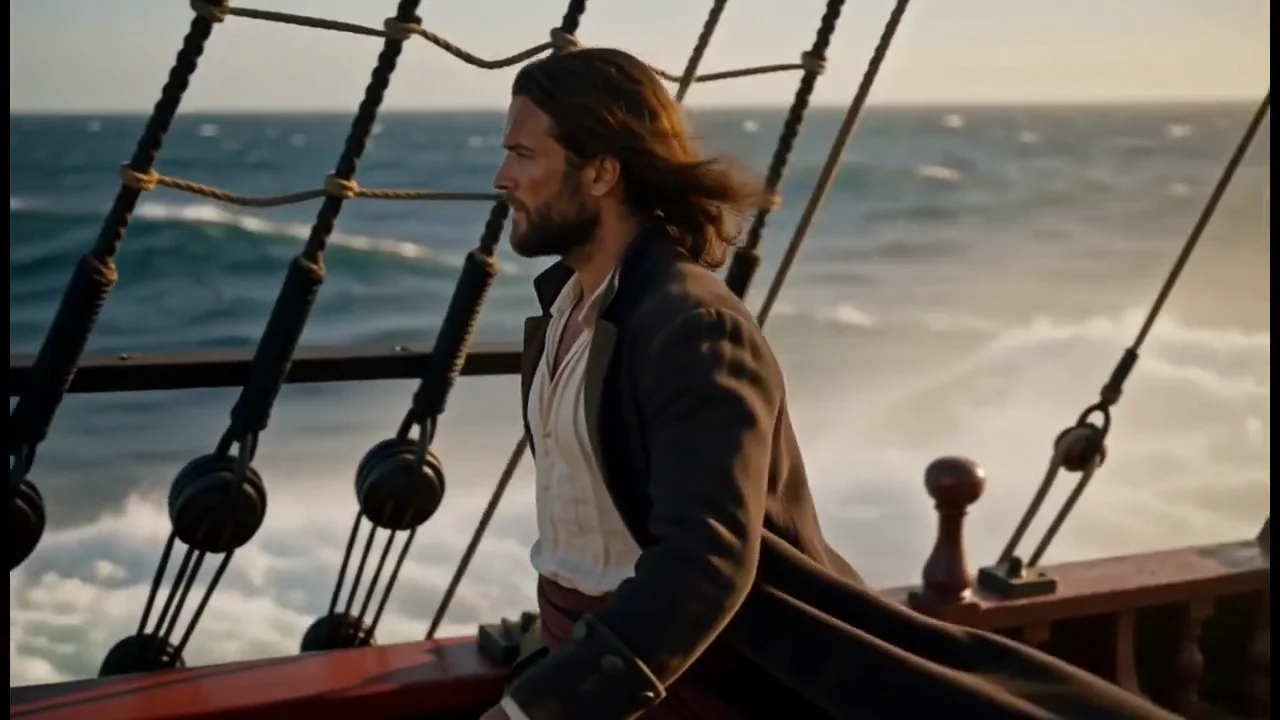
Your character is ready for its close-up.
Upload a movement and watch it come to life.
Free account, credits included at sign-up. Validated publishing on Pro and Ultra plans.