
AI skill · Video
Text → video
Clip vertical court généré depuis une description.
From 177 credits
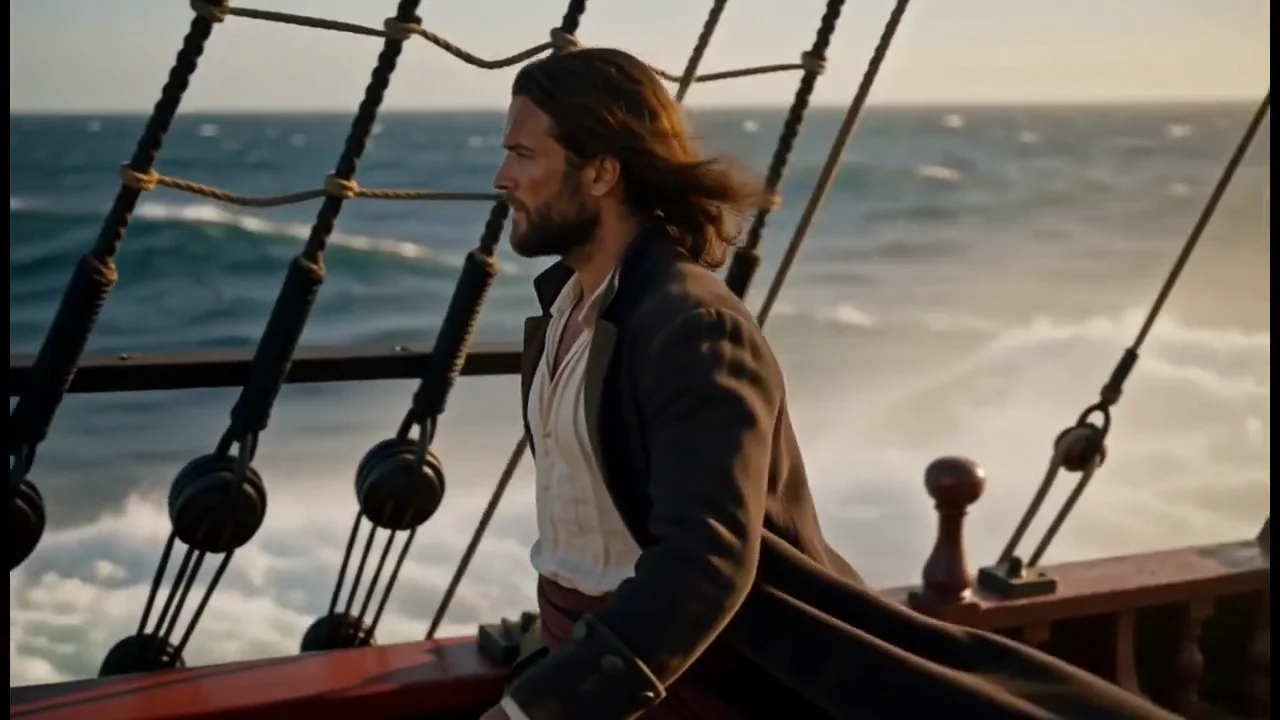
Teaser 6 s d’une sneaker qui tombe en slow-mo
Overview
What this skill unlocks
Génère un clip vertical court à partir d’une description : rythme, sujet et ambiance sans image source.
Use cases
Real-world uses for Text → video
Social clip
Short video from an idea.
Illustration
Mood shot for an edit.
Concept test
Visualize an ad idea.
Use cases
Ideas to create
Teaser 6 s d’une sneaker qui tombe en slow-mo
Ambiance café vapeur pour une intro Reels
Plan drone côtier pour une marque voyage
How it works
How to use it?
- Describe the outcome you want and attach a reference when it matters to the result.
- Havincy prepares the prompt and chooses a model compatible with your request.
- Generate, refine in the conversation, then export or publish your creation.
Tips
Tips for better results
- Describe subject, action, camera and light.
- Specify the format (9:16, 16:9).
- Add the sounds you want if the model generates audio.
FAQ
Frequently asked questions about Text → video
How much does Text → video cost in Havincy?
From 177 credits per clip, depending on model, duration and resolution.
Which model does Text → video use?
Havincy picks the best-suited video model among those listed here; you can force one in the Chat.
Do the videos have sound?
Yes with native-sound models (Kling 3.0, Veo 3.1, Seedance); otherwise, add music or a voiceover in Havincy.
Ready to create with Text → video?
Describe your idea in Havincy, then refine the result in the conversation.