
Havincy Previz New
Previz: block out your scene in 3D with AI
Describe your shot in one sentence. The Agent lays out the set, characters, light and camera as objects you can grab. Adjust by hand, animate the camera, then send the frame to video generation.
- Set built by the Agent in seconds
- Ready-made camera trajectories
- Image, video and GLB export
 Havincy
See it in Havincy
How it works
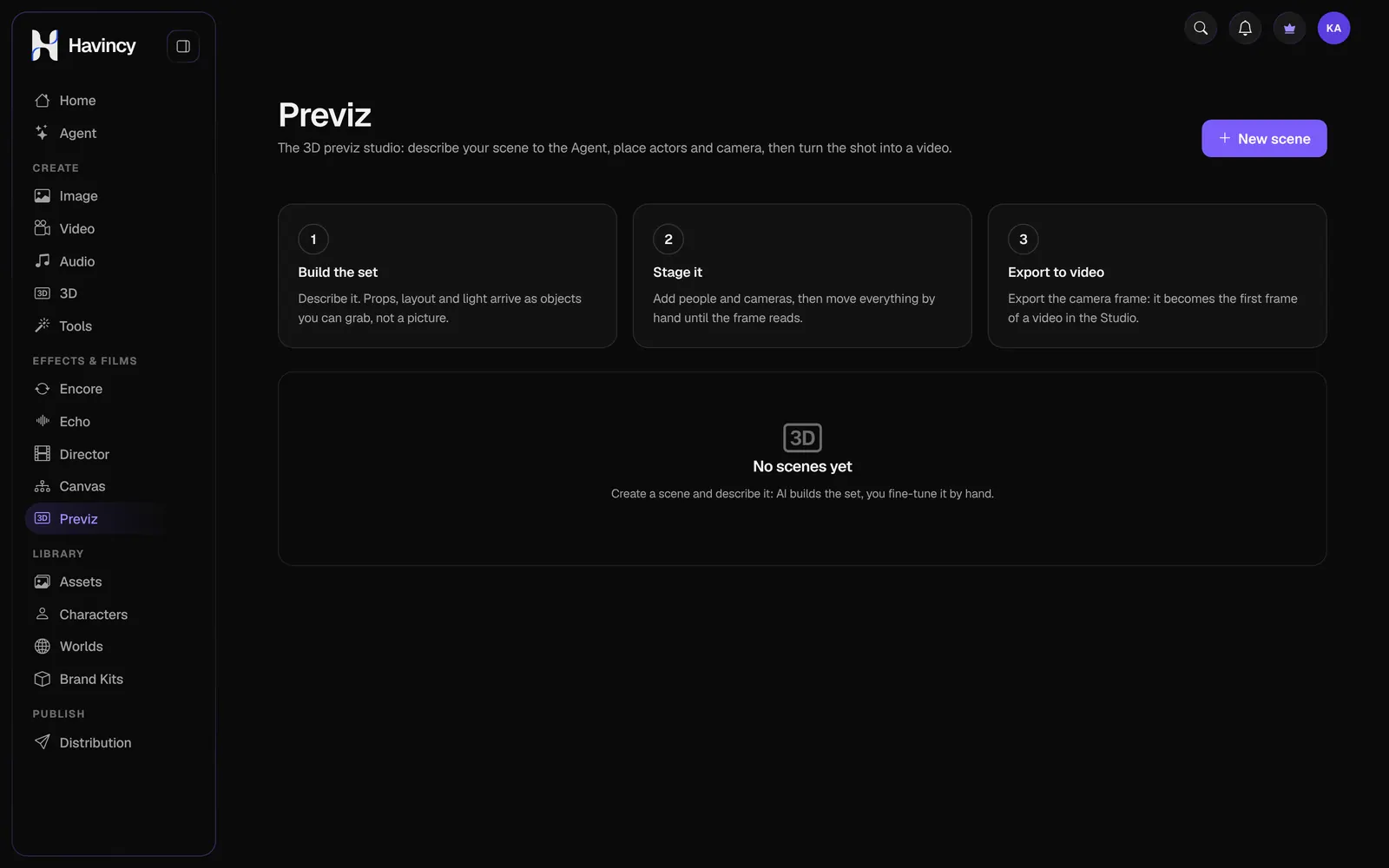
From brief to shot
-
01
Build the set
Describe the scene: props, layout and light arrive as 3D objects you can grab, not a flat picture.
-
02
Stage it
Add people, 3D models and cameras, move everything by hand or ask the Agent, until the frame reads.
-
03
Shoot
Pick a camera move, play it in the timeline, then send the frame to video generation.
What you can do
A real film set, driven by AI
-
The set-designer Agent
The same Agent as in the Studio builds and edits the 3D scene from your messages.
-
Real 3D models
Import your GLBs, reuse those from the 3D Studio or let the Agent propose some, with the cost shown before any generation.
-
Camera moves
Arc, push in, crane, flyover, orbit: ready-made trajectories, adjustable and visible in the scene.
-
Export to video
Frame image, trajectory video or GLB scene; the frame opens straight in the Video Studio.
Who it’s for
Plan every shot before spending a credit
-
Ads and product films
Frame the product, the light and the camera move before generating the final video.
-
Music videos and storyboards
Block out every shot of a sequence and keep the same staging from shot to shot.
-
Architecture and sets
Compose a place in a few sentences, then tour it with a flyover or an orbit.
Frequently asked questions
What is Previz?
A 3D previsualization studio in your browser: you compose a scene with the Agent, stage it and export it to generate the final video.
Do I need to know 3D software?
No. Describe the scene and the Agent builds it. You then adjust with the mouse, like in a slide editor.
How much does it cost?
Composing and editing the scene is free. Generations (3D models, video) use credits at the price shown, always after your confirmation.
Can I use my own 3D models?
Yes: import a GLB file or use the ones in your library, generated in the 3D Studio.

Your next shot starts with one sentence.
Describe the scene, Previz builds the set.
Free account, credits included at sign-up. Validated publishing on Pro and Ultra plans.